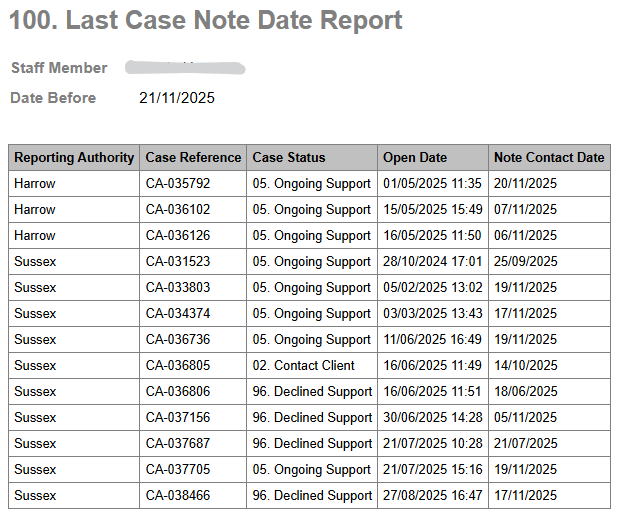
Last Case Note Date Report
Report Description: This report shows the details of all open cases assigned to a chosen caseworker that have not had a case note added in the last 7 days.
Applicable Cases: All cases; however, it is more relevant to Victim cases, as Perpetrator cases, especially, MMP, which typically have fewer case notes and more group activity notes.
To run the report
Go into Daisy.
Click on Reports in the top menu bar.

Find this report on the list.

Click the Generate button on the right.

Choose a staff member from the dropdown list.

Change the Output option to CSV if you want the data in Excel, or change it to HTML if you want to view on screen.

Click Generate
This will download either file type and you click to open.