

Sending SMS Messages from Daisy
To send your client an SMS directly from Daisy, there are two requirements.
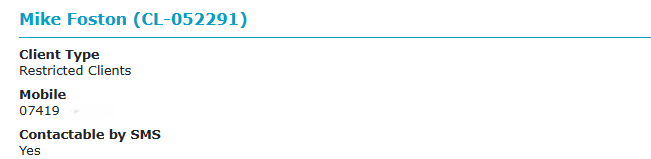
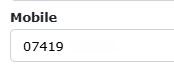
On the Client Details screen, the client have a valid mobile number, with no additional text visible.
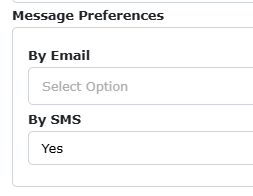
You must also have changed their message preferences option to YES for by SMS, in the same screen.
You should also ensure that your client has saved the mobile number for SMS messages on their phone as a safety precaution under any name they choose. We do not send messages from Cranstoun; we use a phone number that remains the same each time (07860 001000)
Once this is complete, SMS messaging becomes available.
Go to the client’s case and select the Send Message option in the Messaging Menu.

From the dialogue box that appears, select SMS
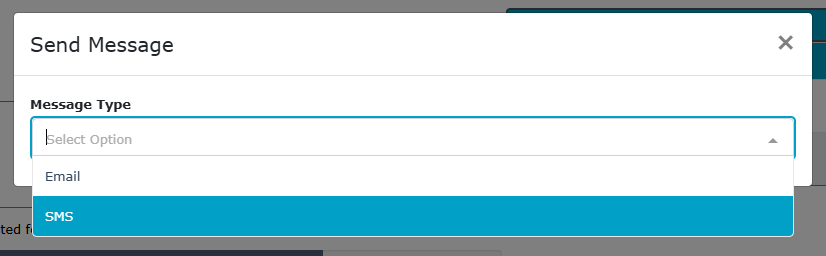
You should then see this screen.
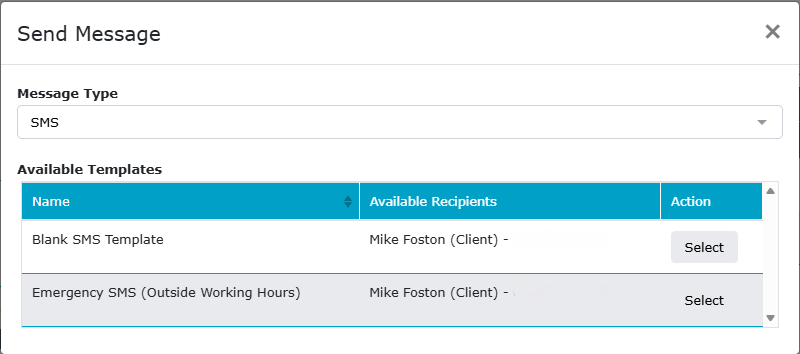
If templates are not shown, then either:
The mobile number is blank or in the wrong format
Consent to SMS (as above) is not set to YES
SMS messaging or a specific template is not available for this case type
SMS messaging has not yet been enabled for your team.
The Blank SMS template is the standard one, but it will only send between 9am and 5pm, any messages sent after 5pm will be sent at 9am the following day. If you need to send something outside 9am to 5pm, use the Emergency SMS.
Each SMS message is limited to a set number of characters, and until two-way messaging is enabled, you need to include a final line reminding them not to reply to the message.
You can select the template you want to use, and you will be presented with a form to complete.
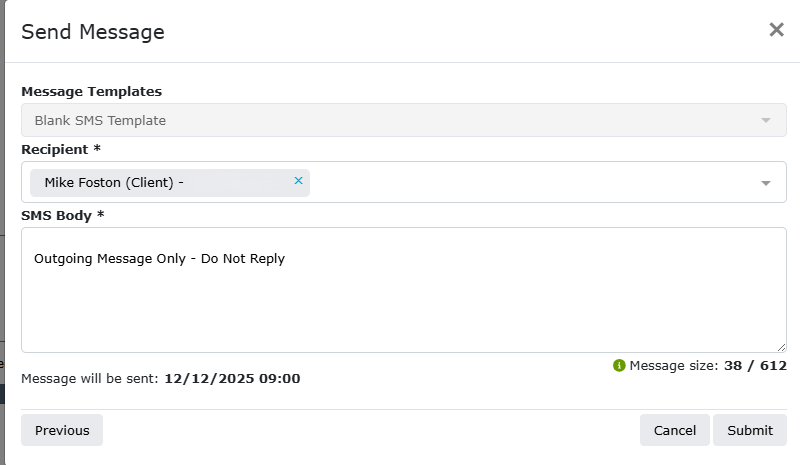
Complete the SMS Body Section, leaving the “Outgoing Message Only - Do Not Reply” at the bottom of the message. You cannot change the recipient or mobile number.
The message limit, including spaces, is 612 characters; it is displayed at the bottom.
The message will be sent at the time stated; this cannot be changed.
Click Submit, and the text will be sent either immediately or at the specified time.
After you have sent your first text to your client, it is worth checking with them that they have received it successfully.
Current Message Templates
Blank Message Template: Standard Blank message can be sent, please leave the last line as Outgoing Message etc.
Emergency SMS Template: Same as above, however this can be sent at anytime, whereas the above messages is 9-5 only
Please Call Me Template: Sends a message asking the client to call you, perhaps safer in some cases?